
delivery_truck_speed Free Ground Shipping on most orders over $99.99
Select your desired size by clicking on the green button next to the size you want to order. Be sure to check the fold direction on the next screen. You will be able to change the dimensions once more before finalizing your order. If you do not see your size, you can order by shape by clicking here.

|
Dynasty Miramax (no stereo)
All
|
101" x 91" w/3.5" radius corners
|
Select This Size arrow_forward |
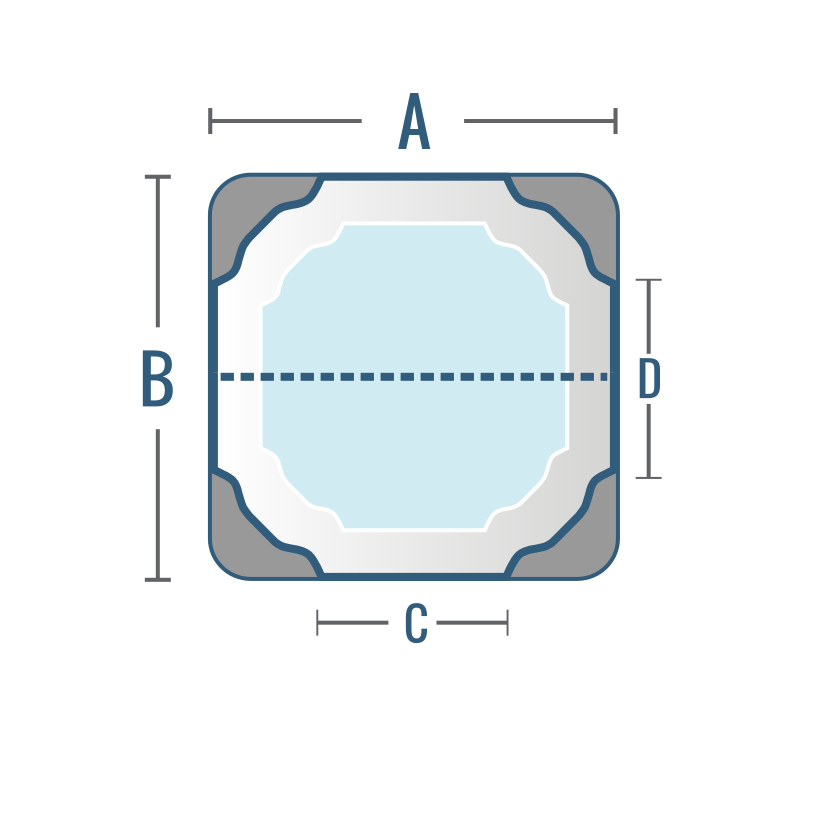
|
Dynasty Miramax (with stereo)
|
101 x 91 w/4" radius corner and speakers
|
Select This Size arrow_forward |
